Puzzle Board Layouts
A lot about this, for me, is getting the details right. Today I am trying to sort out the board layouts. Here is what the game currently looks like on desktop
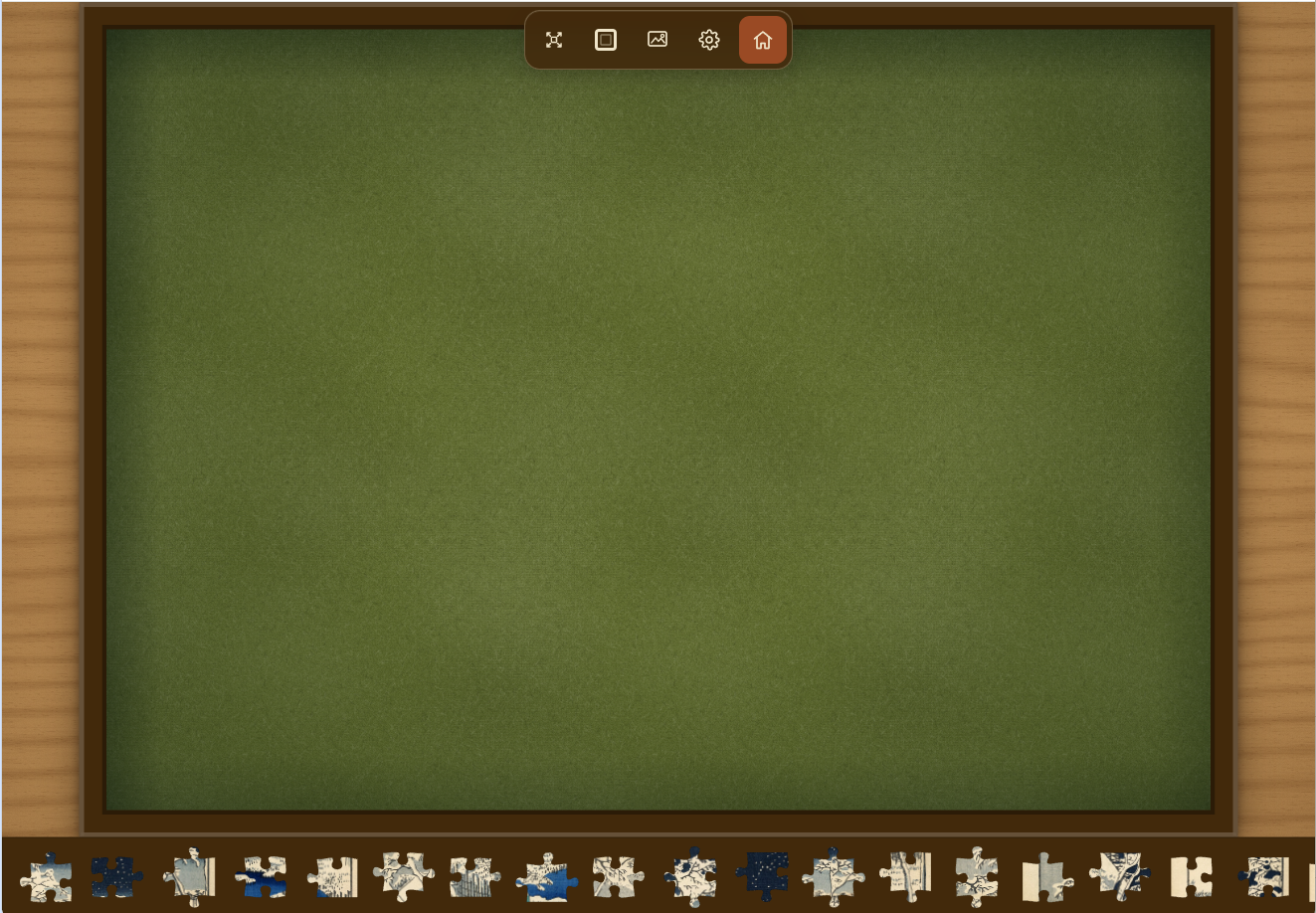
A few problems here. The menu is currently occluding the top of the board and the tray is taking up space at the bottom. Neither are horrendous, but the aim is to give the playeras much space as possible to play with the puzzle.
So we could easily fix the menu by having a vertical menu off to the side. And the tray we could move to a vertical axis as well. But the real problem here is that the player could be interacting with this screen through a variety of proportioned phone and tablet screens orientated in portrait or landscape. Then it becomes a bit of a headache.
On top of that, the board itself is not fixed. It used to be a fixed ratio across various formats, but I wanted to have works of art here as puzzles, and to cut and trim them just didn’t seem right. So we’ve now got boards of different ratios to hold those artworks in their original size and shape.
So the simple way would be to default the tray and menu to a specific place and allow the player to switch between. It is important to allow the player to default the tray location to whatever side they like, but i dont want to overload them with tons of options - trying to keep it fairly simple.
So what I am going to try to go for is an automatic system which puts the tray and menu wherever there is appropriate space. Which will be alot more work but hopefully will be a better experience. But also allow players to set defaults so they can have it just so.
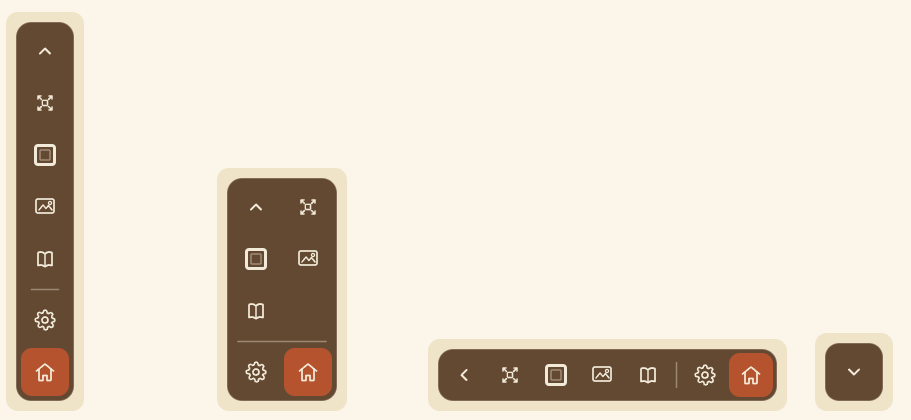
The menu needs to various orientations available to it, and also the ability to shrink the menu (or make it transparent?), something like this
And then I need to see the board mocked up in a multitude of scenarios so I can see how it looks and feels. So lots of preview shots like this:
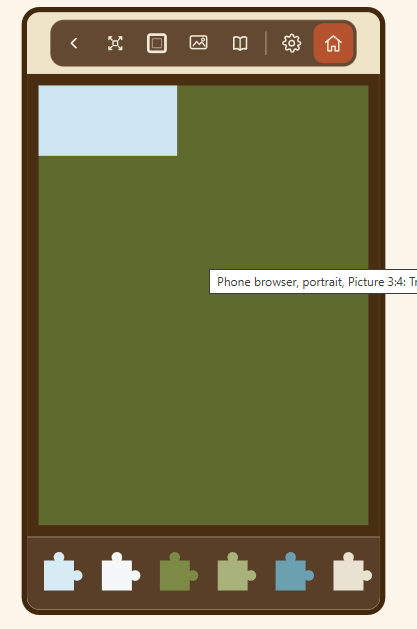
And then figuring out if i want to do things like put the menu inside the tray
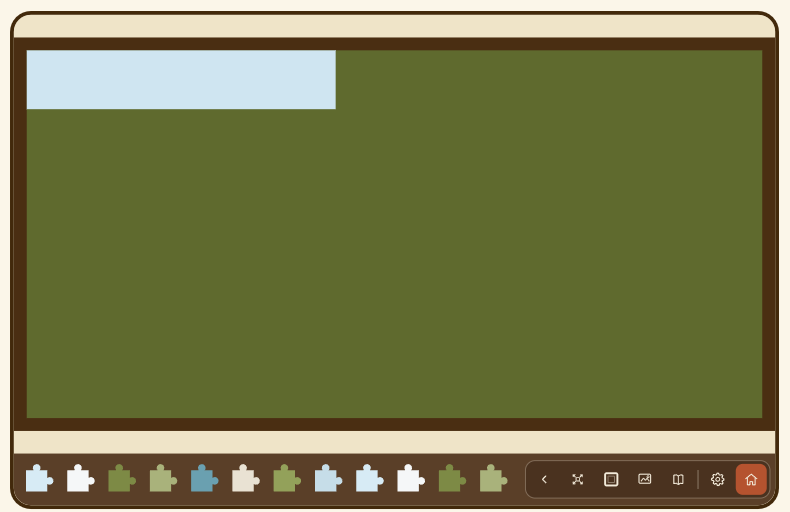
Or do things like a double tray, which initially i just thought no, but again people might like having more pieces available to scroll through.
So that’s the job for today or the next few depending on how much time i get, getting some kind of orientation system in place. I’ll probably end up adding a bunch of options so i can play with it in situ before cutting a few out.